
Take control of your institution’s academic journey with EduVault — a next-gen platform designed to adapt to your vision. Empowers schools to build a smarter, more connected academic ecosystem that drives efficiency, transparency, and growth.

Create Level
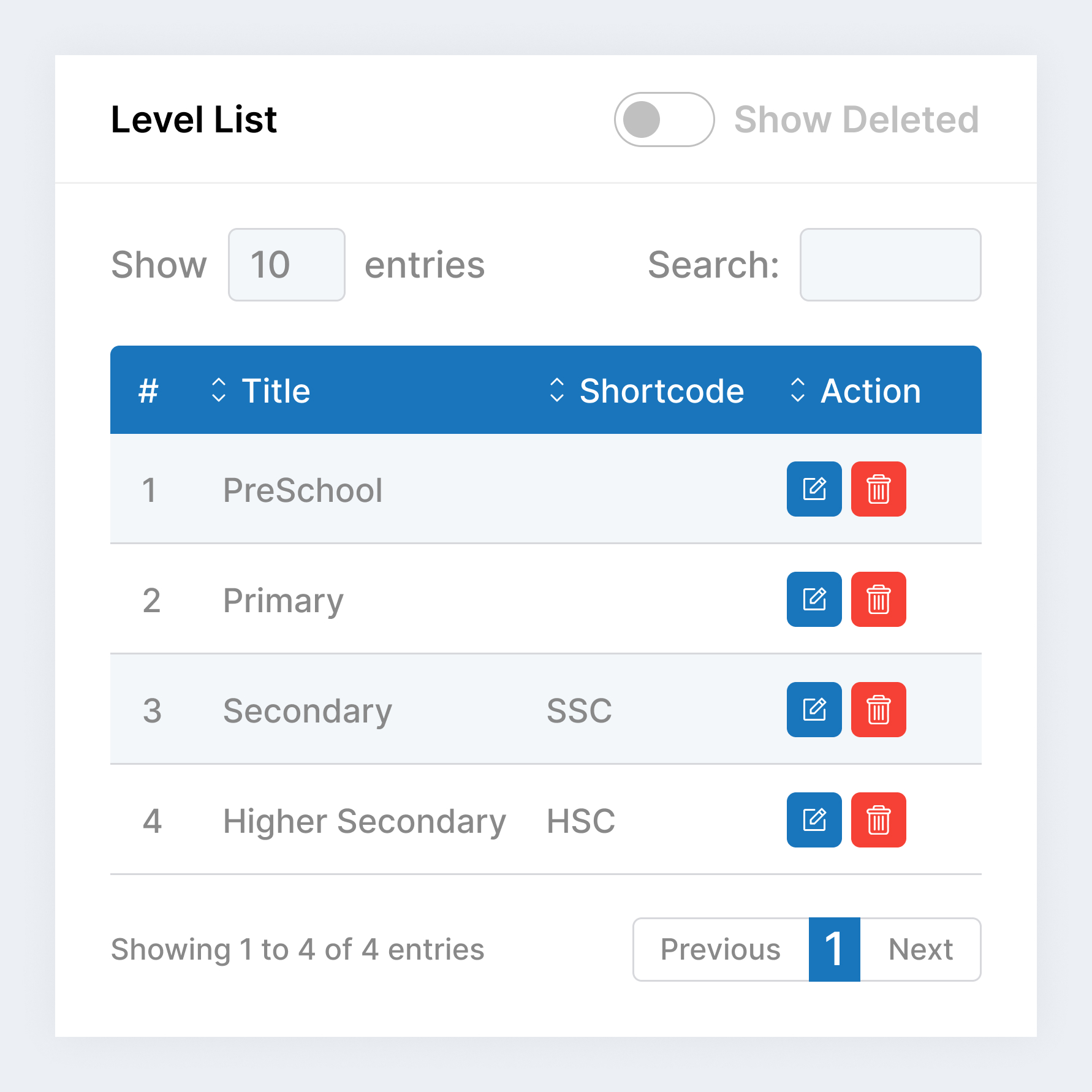
Level List
The Levels module in EduVAULT is designed to define and organize the complete academic structure of your institution—from foundational education to advanced degrees. Whether you manage a school, college, or university, this feature ensures a clear and scalable academic hierarchy.
Defines educational levels (e.g., Primary, Secondary, Higher Secondary, UG and PG).
Create Level
Level List
The Streams module in EduVAULT allows institutions to categorize students and programs into specialized academic paths such as Science, Commerce, and Arts. This optional feature adds an extra layer of organization, especially useful for secondary, higher secondary, and higher education systems.
Used to categorize academic streams (e.g., Science, Commerce, Arts & Humanities).
Add Board
Update Board
Programs in EduVAULT represent the academic offerings of your institution, including undergraduate and graduate degrees, diplomas, and certificates.
Sets up educational programs (e.g., Nursery, STD-1 To 10/11, BCA, Diploma and Degree).
Create Level
Level List
In an education system, a “Batch” represents a group of students admitted in the same academic cycle, usually sharing the same timeline, program, and progression
Groups students by academic batch year (e.g., 2024-2025, 2025-26, 2026-27).
Create Level
Level List
In EduVault, a “Session” refers to the official academic time period during which teaching, exams, and institutional activities take place.
Configures academic sessions (e.g., Spring and Fall Or Summer and Winter).
Create Level
Level List
In EduVault, a “Semester” refers to a division of the academic year, typically lasting about 15-16 weeks, during which specific courses are offered.
Configures academic semesters (e.g., First Semester, Second Semester).
Create Level
Level List
In EduVault, a “Section” refers to a subgroup of students within a class or course, typically organized for instructional purposes.
Configures academic sections (e.g., Section A, Section B).
Create Level
Level List
In EduVault, a “Class Room” refers to the physical space where teaching and learning activities take place.
Assigns physical rooms to Programs. Building / Floor, Capacity and Type
Create Level
Level List
In EduVault, a “Subject” refers to a specific area of study or discipline that is taught in an educational institution.
Manages subject lists offered in programs with subject type and class. Credit Hours, Formative and Self study evolution.
Create Level
Level List
In EduVault, a enroll subject refers to linking subjects to programs
Links subjects to programs, semesters, and sections.